The one thing to understand first
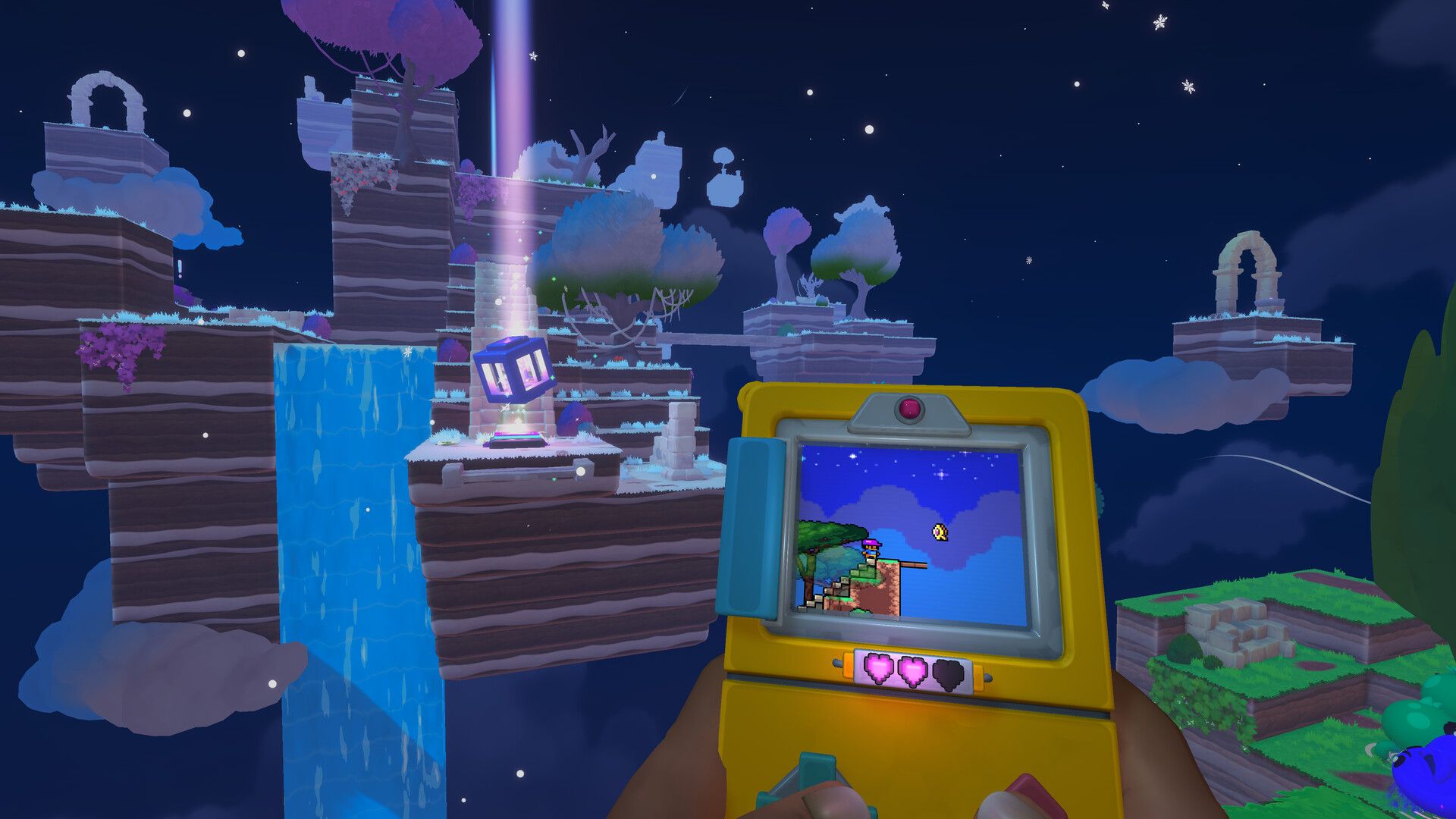
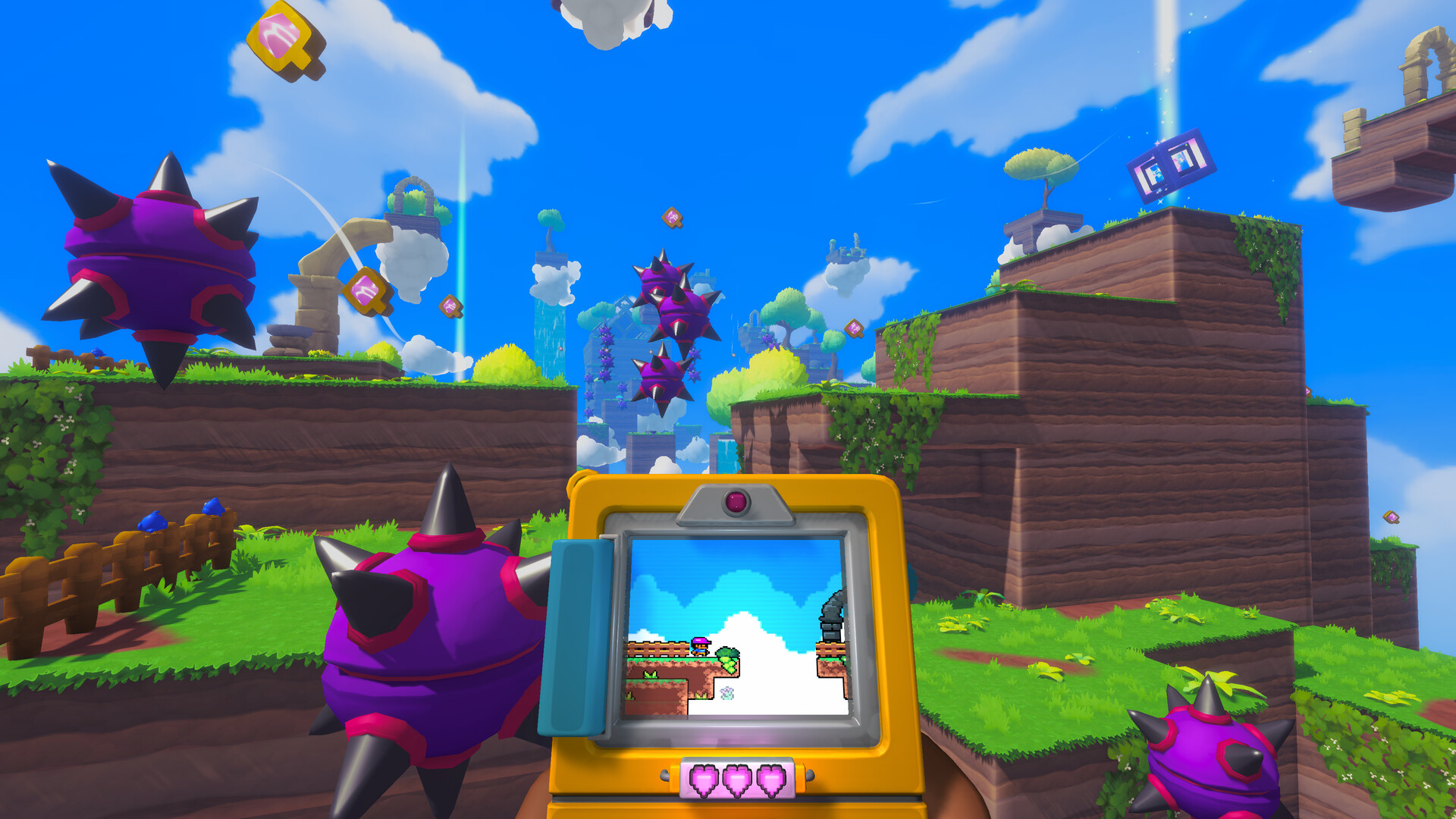
Screenbound is built around simultaneous attention. The Qboy shows a retro 2D platformer while the player moves through a stylized first-person 3D world. Official descriptions say the two versions of the world can mirror actions, but they do not always follow the same rules.
Treat the screen and the room as two sources of evidence. When a route looks impossible in one, look for a platform, object, enemy, or clue that only makes sense in the other.
A spoiler-light first session
- Start with the Steam demo and use a controller if that is your preferred platforming input; Steam lists partial controller support.
- Pause before jumping into an unfamiliar 2D route. Check the 3D space for the matching object or a different perspective.
- When an interaction changes one world, look at both worlds before moving on. The point is not speed; it is noticing the connection.
- Keep story expectations light. The public material confirms puzzles, combat, unlockable tools, and environmental storytelling, but not a complete progression route.
What is confirmed and what is not
Confirmed: the Qboy, simultaneous 2D and 3D control, puzzles, combat, new tools and skills, and a Steam demo.
Not confirmed: final chapter order, collectible totals, exact tool unlocks, boss routes, and a complete walkthrough. Those belong in post-release guides, not guessed solutions.
Next reads
Read the dual-world gameplay guide before attempting puzzle-heavy sections, then check the demo guide for availability notes.