What is known
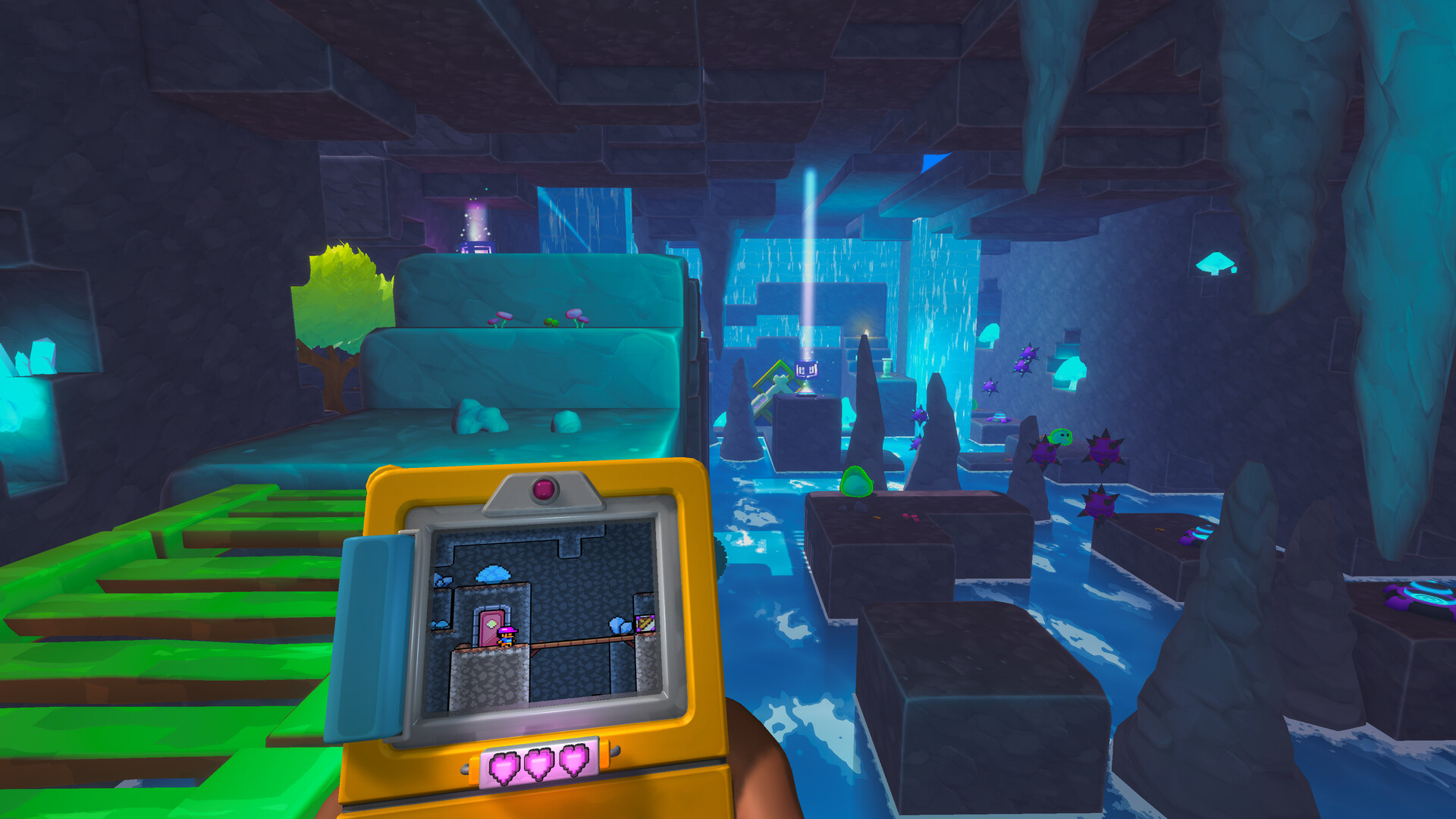
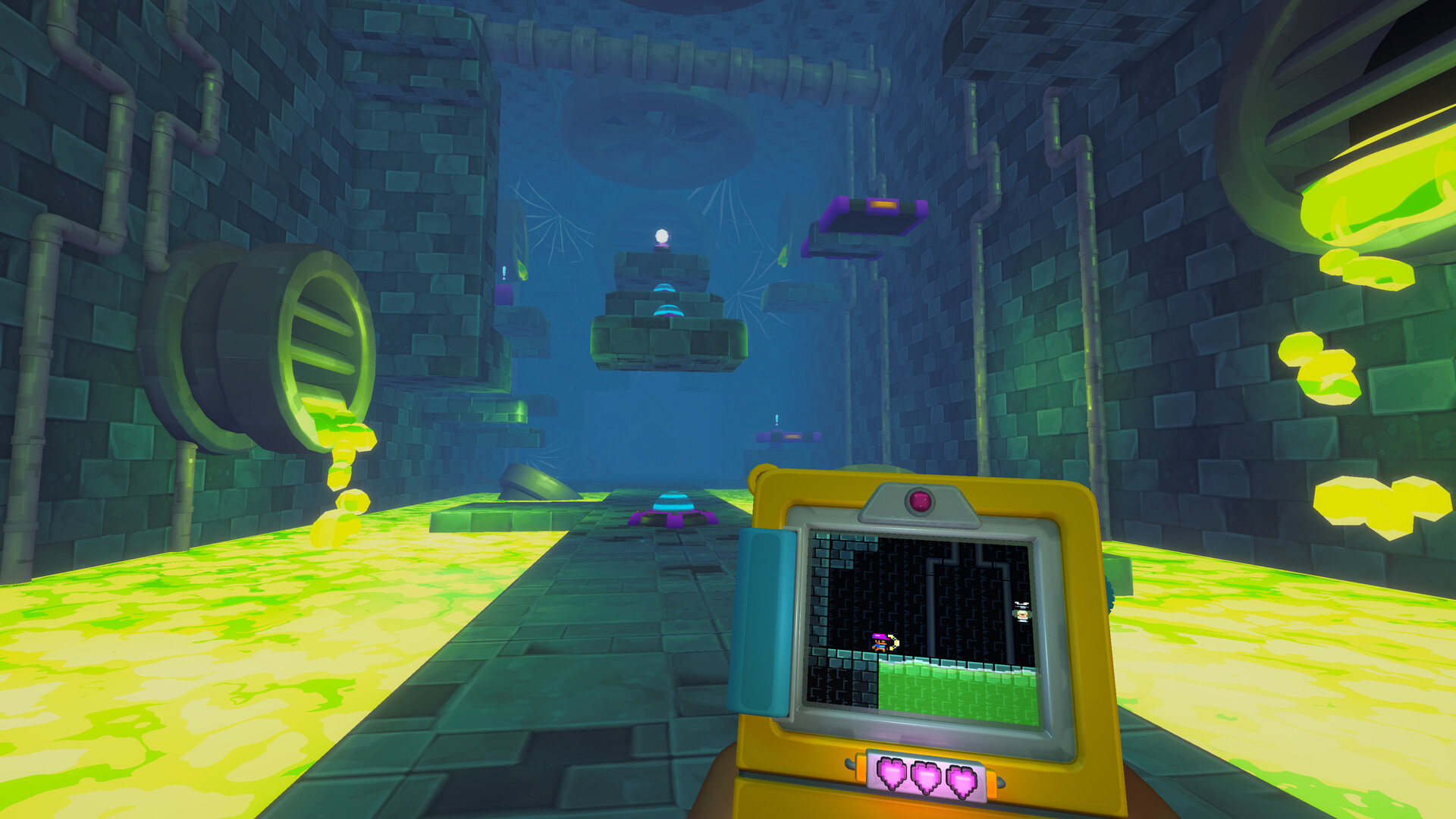
Screenbound combines a first-person 3D view with a retro 2D view on the Qboy. That visual contrast may be important for players who are sensitive to camera motion or rapid shifts in attention. The public material reviewed here does not confirm a final list of FOV, camera, motion-blur, or screen-effect options.
A cautious first-session checklist
Start with a short session, take a break at the first sign of discomfort, and use the demo to test your own response. If the final game offers camera or visual-comfort options, use the published in-game labels rather than relying on guesses from pre-release footage.
Health note
This is not medical advice. Persistent or severe symptoms deserve advice from a qualified clinician. We will update this page only when Screenbound-specific accessibility settings or developer guidance are officially available.